See your house on your plot
before you build
NLocator puts real parcels, real terrain and ready-made house models together in 3D — so buyers, builders and planners can see the same thing.
Free to try — no account needed.
What is it?
Everything happens on the real plot, in the browser.
Plots as links
Pick one or more parcels on the map — searched by address or by parcel number — and keep them as a link. Open it later, or send it to anyone: they see exactly the same parcels.
Find a plot →Design in 3D
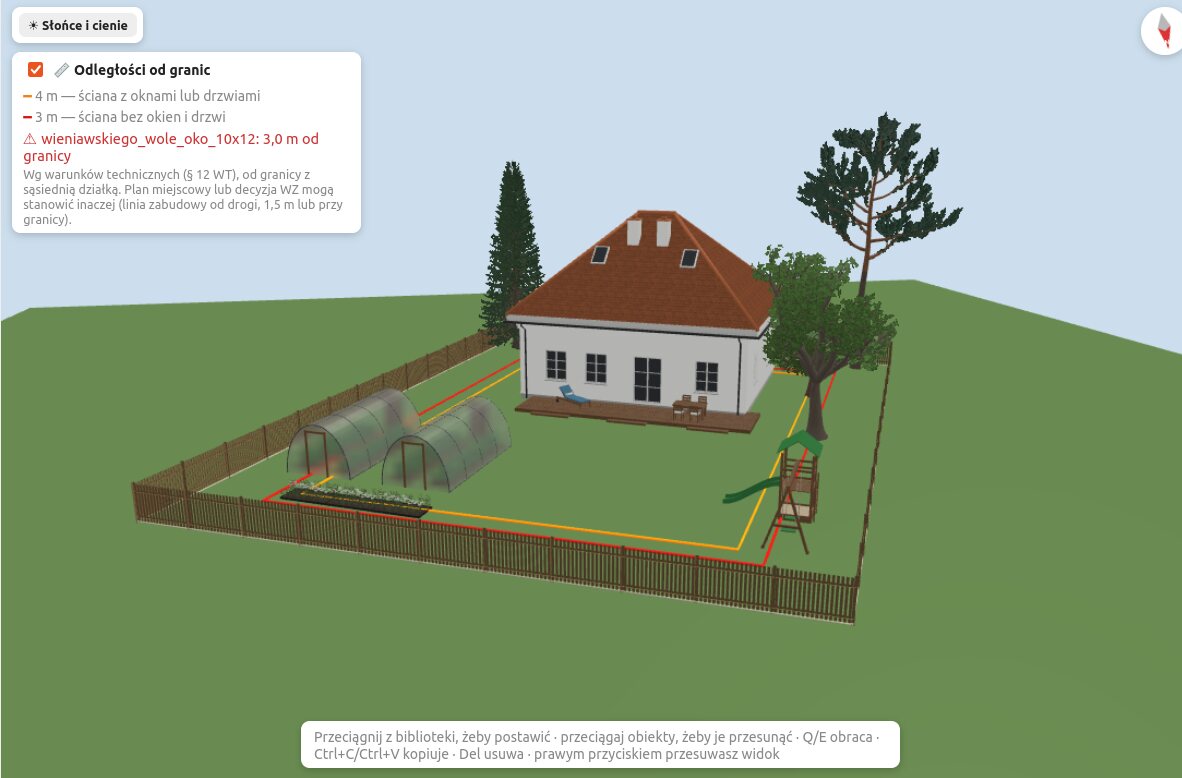
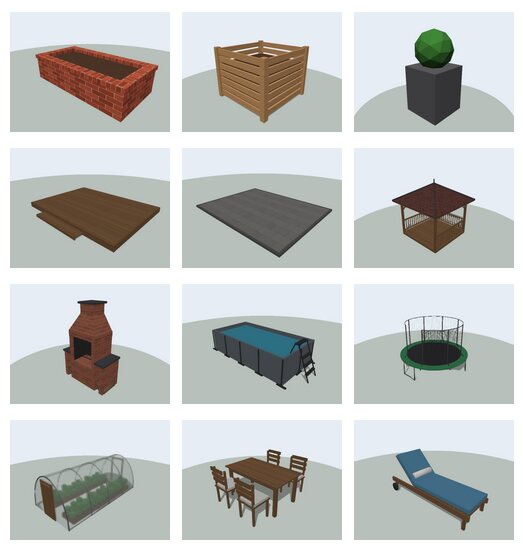
Put a house on your plot in a few clicks. Choose from ready-made house models shared by builders, or upload your own 3D models — houses, sheds, garages, anything.
Browse public profiles →See it in its surroundings
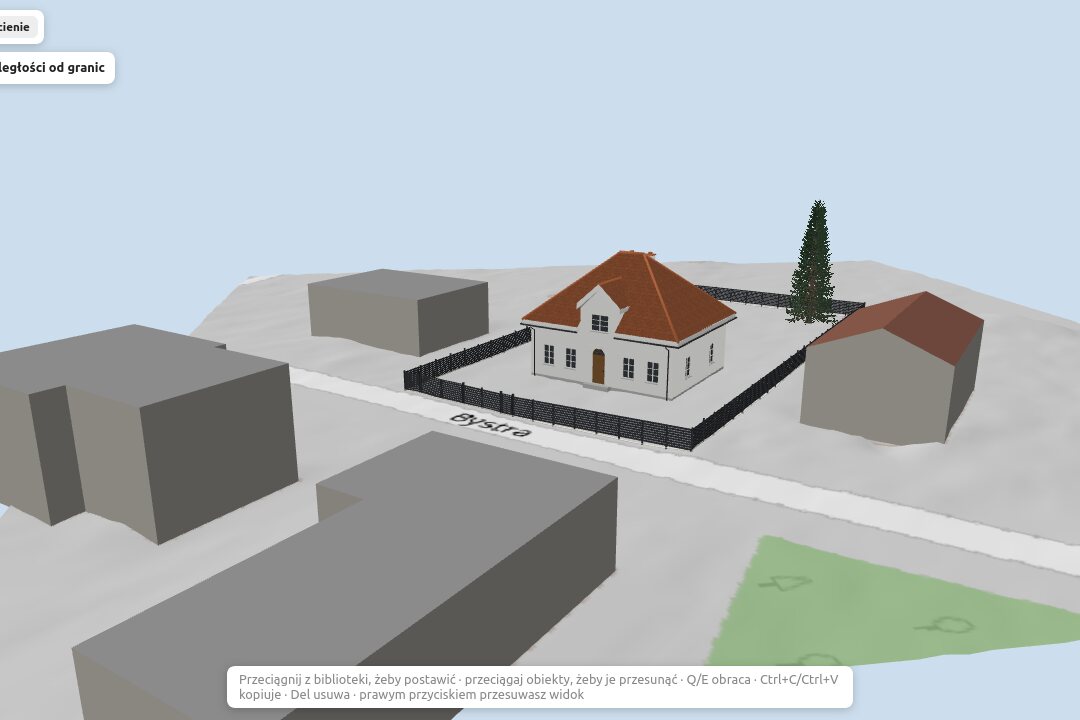
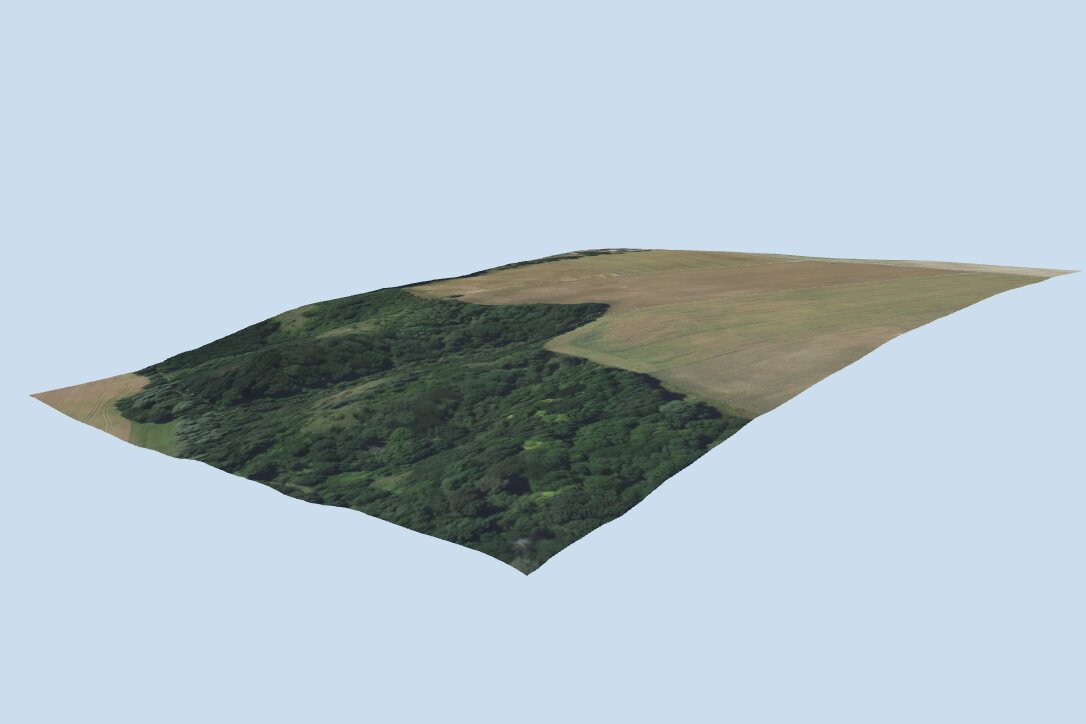
The plot is shown on real terrain, with the orthophoto and the existing neighbouring buildings around it. See how the house fits in — and how the land rises and falls under it.
Follow the sun
Pick any day of the year and any hour, and watch where the sunlight falls and the shadows go — over the garden, the terrace and the house itself.
See it in action
Screenshots from the plot designer.
Who is it for?
For anyone who has houses to show, or plots to sell.
House builders
- Publish your house models on a public profile.
- Customers place your houses on their own plots — and see them in the real place, in 3D.
Real-estate agencies
- Send a link to the parcels — don't make buyers search the map themselves.
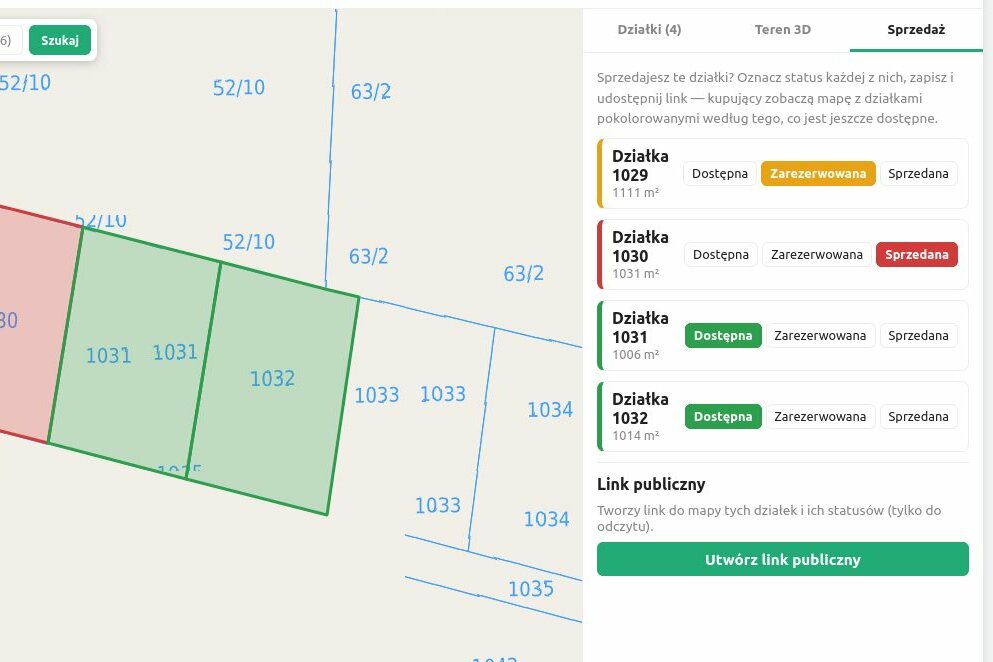
- Mark each parcel as available, reserved or sold; the link always shows the current state.
Municipalities
- Supporting local, traditional architecture? Publish the house designs your municipality recommends.
- Residents can try them on their own plots before they decide.
Sharing a profile — what is it?
A public profile is a catalogue of 3D models and house plans that someone — a house builder, an architect, a municipality — has made available to everyone. When you use a profile, its houses appear in your own plot designer, right next to your own models, so you can put them on your plot.
-
1They publishThe owner turns on “public profile” in their account — all their models and house plans become a catalogue.
-
2You pick oneBrowse public profiles and click “Use this catalogue”. You use one at a time; picking another replaces it.
-
3It's in your libraryIts houses and models show up in your plot designer, ready to drag onto your plot. They're read-only: you can place them, not change them.
-
4Nothing disappearsSwitch to another catalogue later, and what you've already placed stays on your plot.